What is virtual staging?
Virtual staging adds furniture, textiles and accessories digitally to a photo of a real room. It is a visualisation, not a measured layout.
Real staging brings physical furniture into the property. It is usually delivered, arranged and collected again once the property is sold or the agreement ends. We offer virtual staging only.
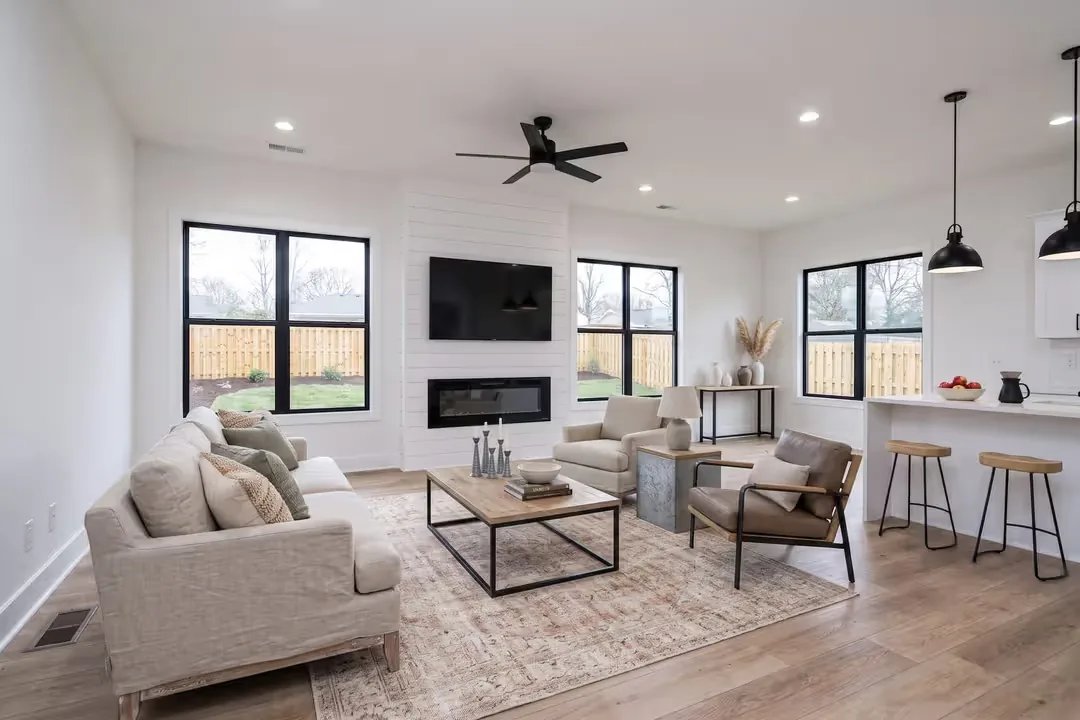
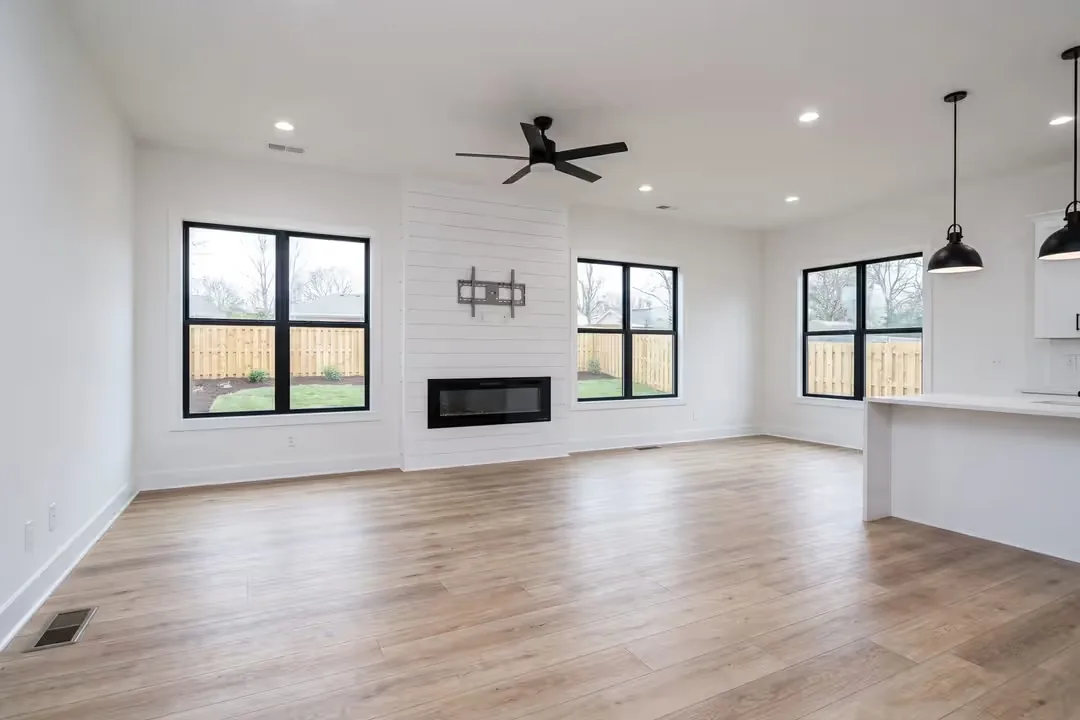
See alsohow our virtual staging works
Virtual or real, by the state of the room: what fits when?
In short: empty rooms suit virtual staging, furnished rooms often need only refined photos, and real staging is the stronger choice where the furnished room itself should make the impression during viewings.
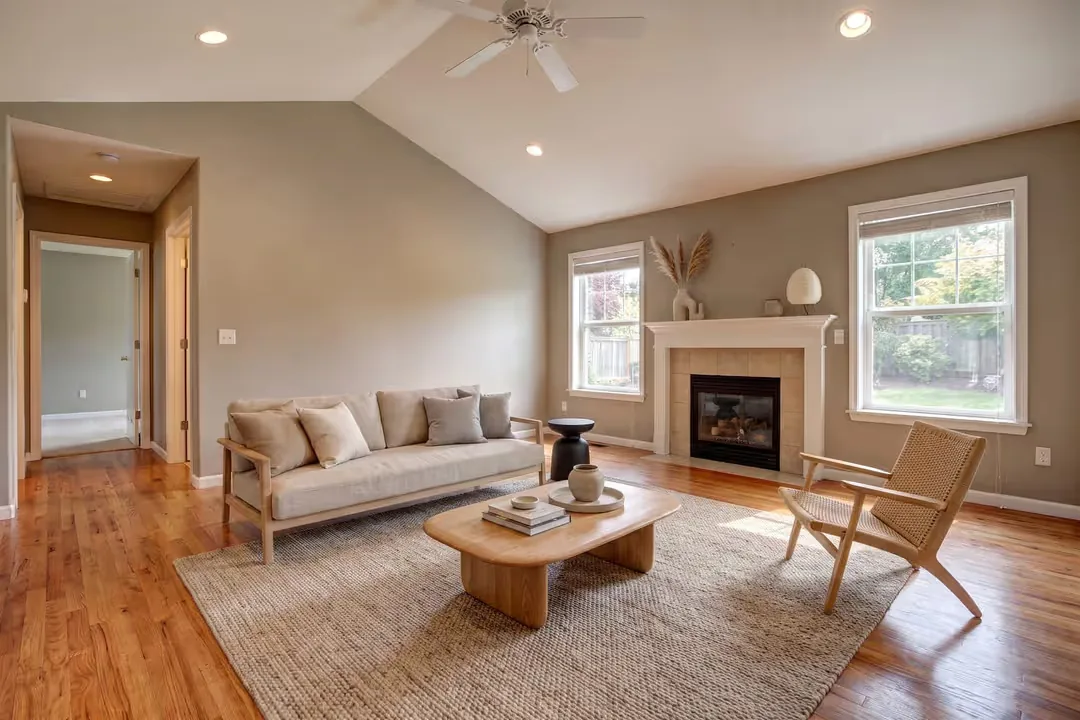
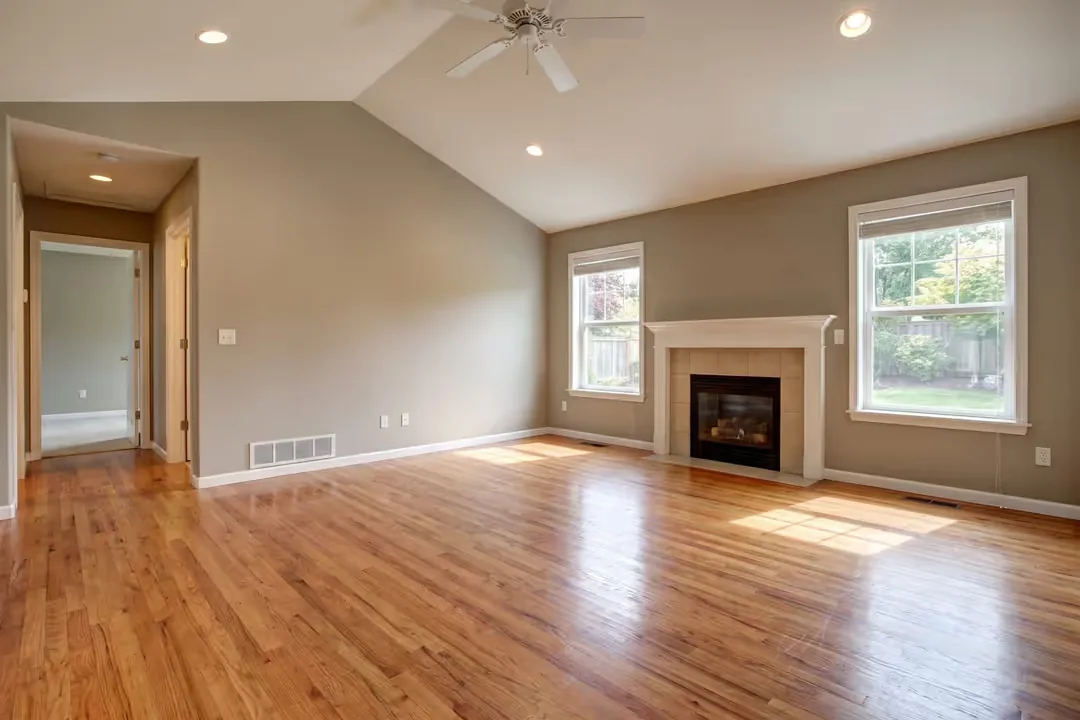
Living room with fireplace

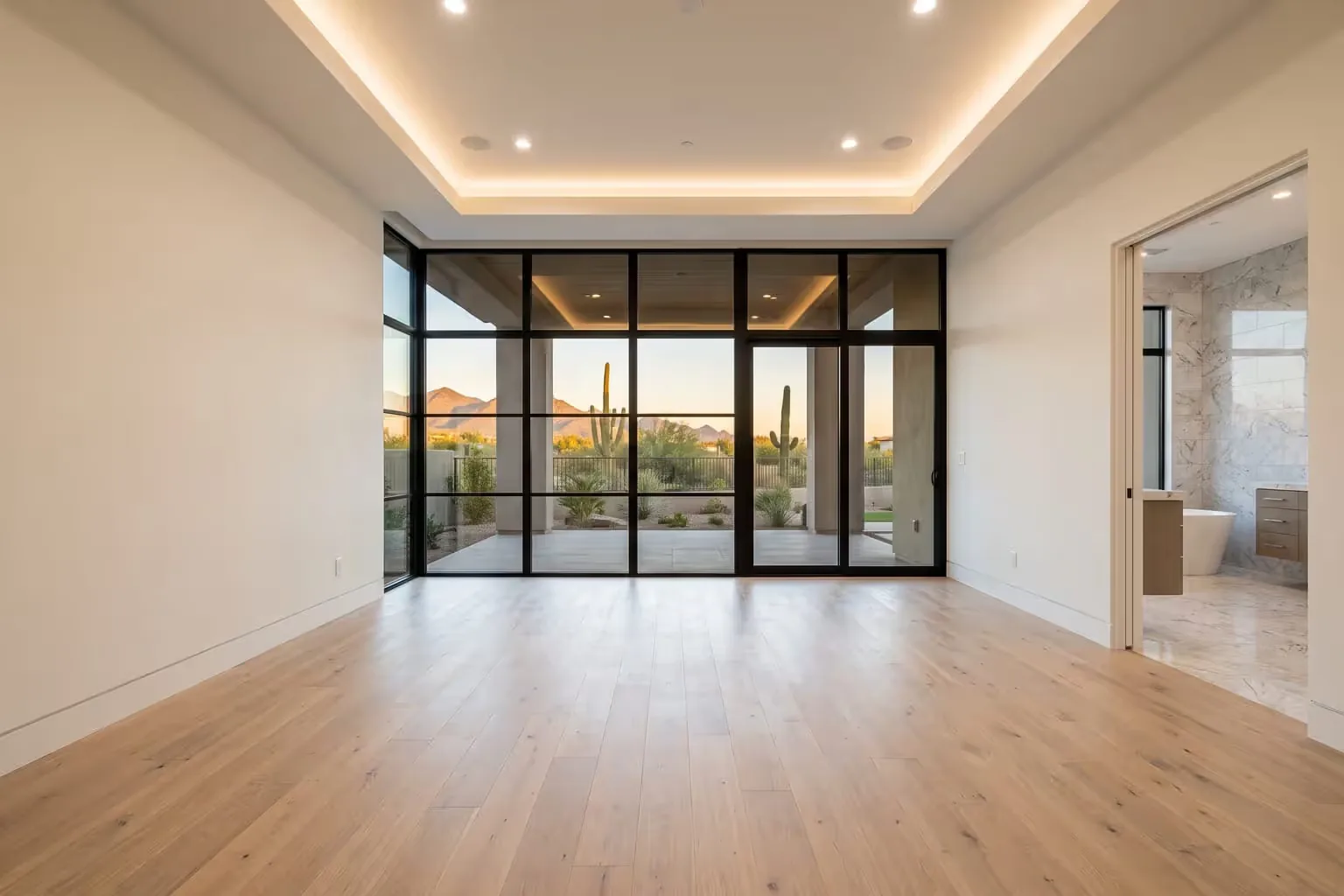
Bedroom
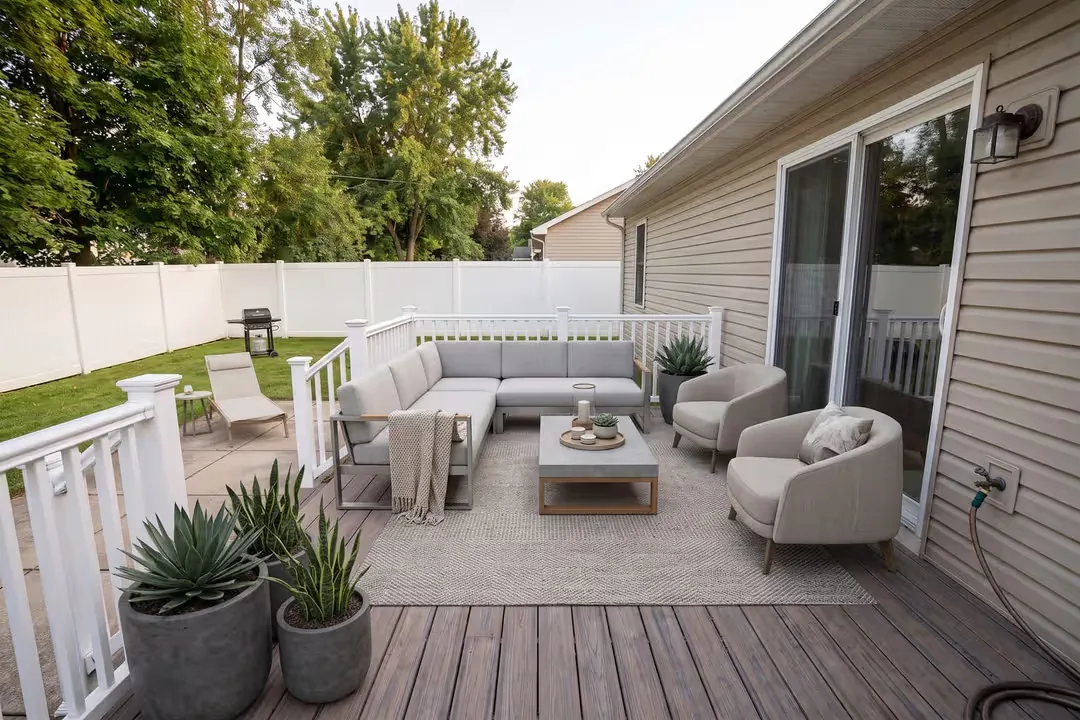
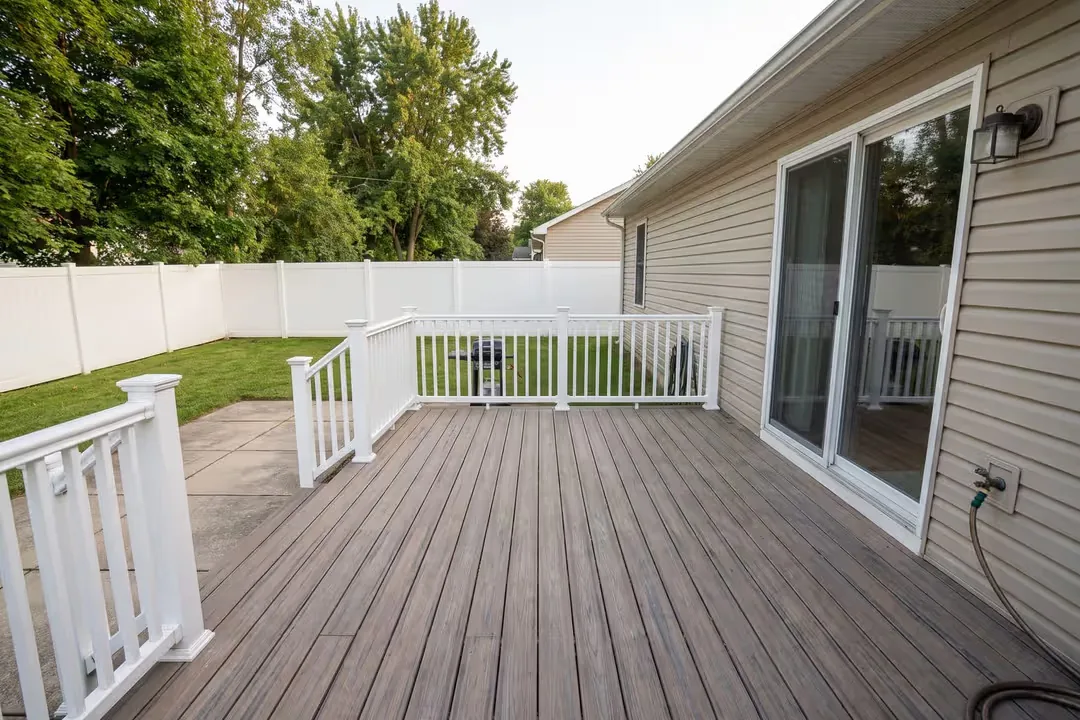
Terrace
- Empty room: virtual staging shows a possible use without any logistics. At the viewing the room is still empty, so tell visitors in advance.
- Furnished with dated pieces: you can show a different furnishing scheme virtually, or refine the photo and let the room speak for itself. Real staging replaces the furniture for viewings too.
- Lived in: tidying up and refining the real photo is usually the more honest first step.
- Many viewings planned, or a vacant property that feels cold in person: real staging changes the experience on site, which virtual staging cannot do.
How do I label it in the listing?
Put a short notice on or directly beside each staged image, and show the unstaged original in the same listing. That way nobody mistakes the furniture for part of the sale.
A practical checklist for your listing:
- Wording such as “Virtual staging, visualisation” in the caption or in the image
- The original photo of the same room next to the staged one
- No staged image as the only picture of a room
- A sentence in the description saying that some images are virtually staged
What virtual staging does not replace
It does not replace a viewing, a measured floor plan or an honest description of the condition. Virtual furniture is not a plan: it does not prove that a sofa of that size fits, and it must never cover a crack, a stain or a damaged floor.
Before you publish: how to make virtual staging recognisable
In short: label each staged image, show the original next to it and check the rules of your portal yourself.
We label every virtually staged image as a visualisation and agree with you how the original and the staged image appear together.
Showing the original is worth it because visitors arrive expecting what they saw online. If a room is empty, the original tells them before they come, and the staged image reads clearly as an idea.
Portals may set their own rules for edited images, and we cannot advise on them. Check the current rules of the portal you use before you publish.